
Amazon Associates Program Disclosure
As an Amazon Associate, Kazazone earns from qualifying purchases.
You’ve got the Secretlab. You’ve got the keyboard. The one thing kneecapping your setup is still a 60Hz 1080p panel from 2017. You’ve played at your cousin’s on his 165Hz QHD and now your own screen feels like it’s running underwater. The question isn’t whether you upgrade — it’s which panel actually earns the SAR 1,800 to 2,500 price tag and fits on your Ergotron arm without choking your desk.
We tested the three monitors Saudi gamers keep asking about in our inbox: LG’s IPS sweet-spot, Samsung’s curved speed-demon, and Dell’s Alienware flagship. Not flagship OLEDs at SAR 5,000+ — the real setup-integration tier where the decision actually happens.
Best Gaming Monitors for Your Setup KSA 2025 — LG vs Samsung vs Alienware
Three 27-to-32-inch monitors that integrate cleanly into a serious Saudi gaming setup. The LG UltraGear 27GP850B (165Hz Nano IPS sweet spot), the Samsung Odyssey G7 27″ (240Hz curved VA), and the Dell Alienware AW2723DF (280Hz Fast-IPS). Refresh rate, panel, VESA compatibility with your monitor arm, and the part nobody talks about: which one actually looks sharp under a Riyadh majlis ceiling light.
Kazazone Verdict: For the best setup-integration value, the LG UltraGear 27GP850B is the right buy — 165Hz QHD Nano IPS, clean VESA mount, looks sharp in any setup. If you play competitive shooters and want the highest refresh, the Alienware AW2723DF at 280Hz Fast-IPS is the pick. The Samsung Odyssey G7 is for buyers who want the curved cinematic feel for single-player and racing sims.
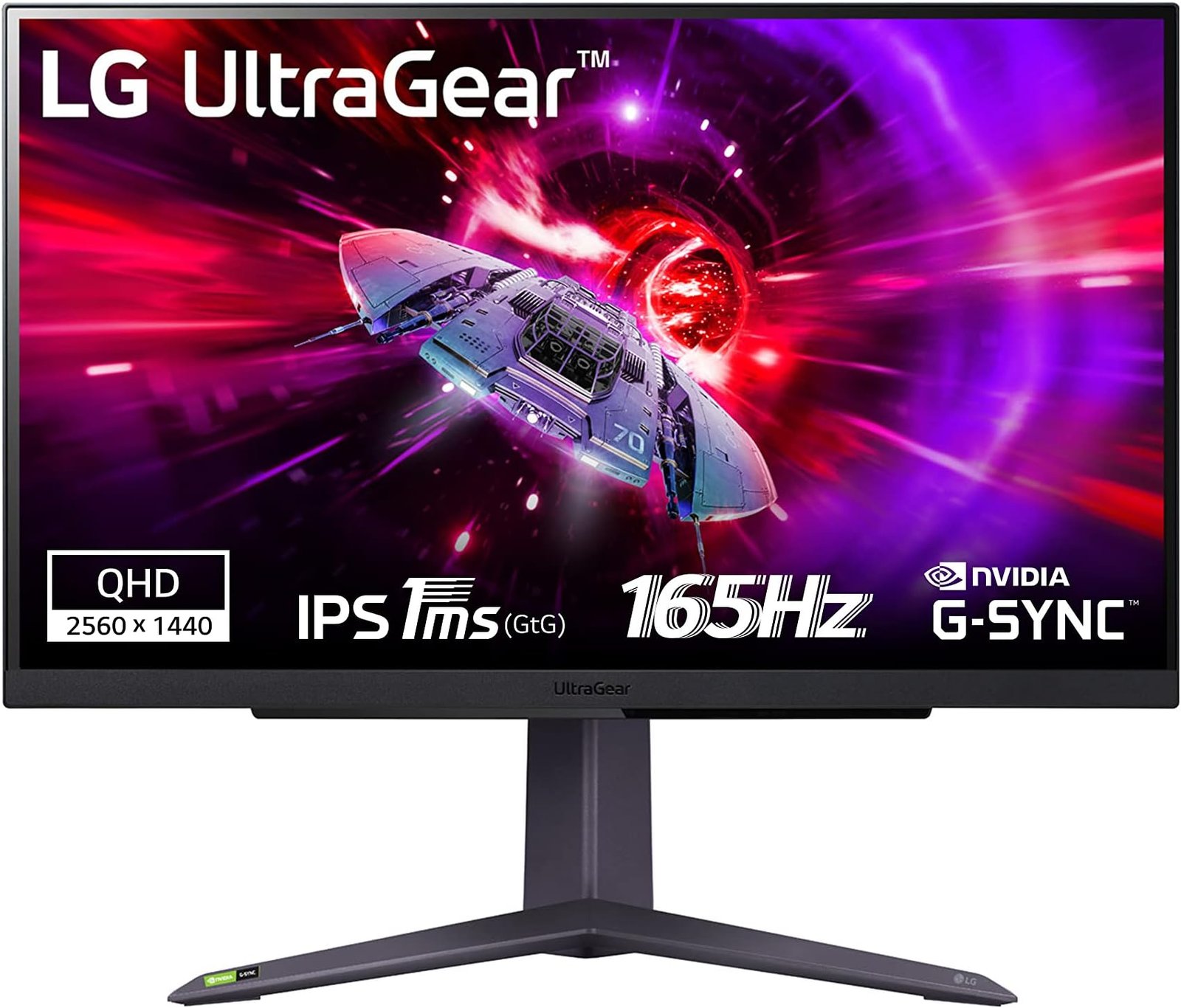
Quick take: If you can’t decide between any three of these and just want the buy-and-forget answer, it’s the LG. This is the panel 80% of Saudi buyers will be genuinely happy with five years from now.
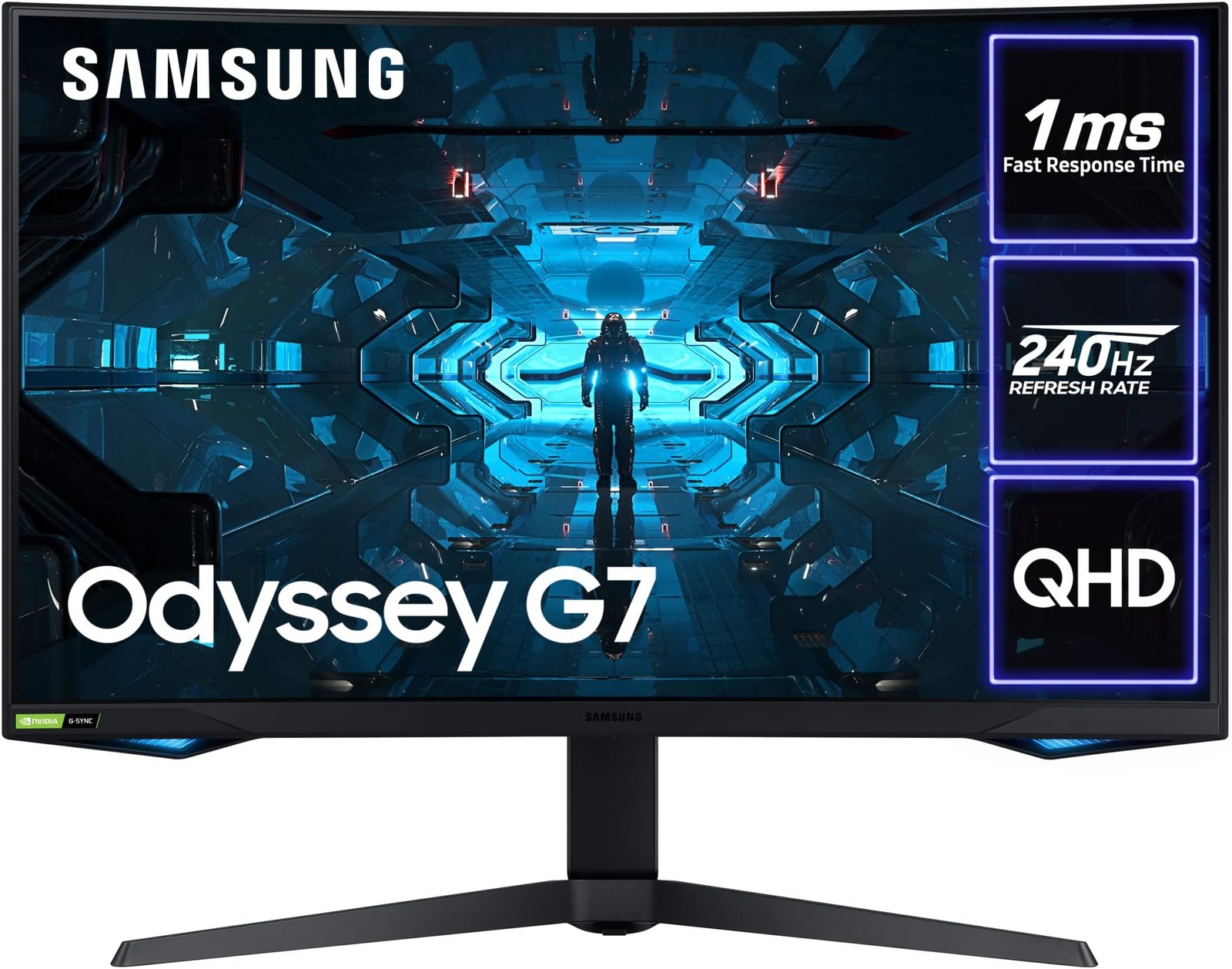
Quick take: The G7 is an enthusiast pick, not a default pick. If you’re reading this and feel genuinely excited by the curve, you’ll love it. If you’re shrugging, you want the LG.
The Hidden Costs Nobody Warns Saudi Gamers About
The sticker is the start. Here’s what the monitor actually costs by the time it’s productive on your desk in Riyadh.
- Monitor arm (essentially mandatory) — Stock stands on all three eat 30-40cm of desk depth. VIVO dual arm starts at SAR 349, Ergotron LX at SAR 849. Budget this in.
- DisplayPort 1.4 cable — The included cable on the G7 is short and flimsy. A proper 2m certified DP 1.4 cable from Amazon.sa runs SAR 60-100. HDMI 2.1 if you’re pairing with PS5/Xbox for 120Hz: SAR 80-120.
- GPU upgrade — QHD 165Hz needs at least an RTX 4060 Ti. 240Hz+ needs RTX 4070. If your GPU is older, the monitor is bottlenecked.
- Monitor light bar — Saudi summer lighting in majlis-adjacent rooms is brutal. A BenQ ScreenBar or Xiaomi Mi Monitor Light Bar at SAR 299-499 removes eye strain.
- Calibration (enthusiast tier) — Color-accurate work needs a Datacolor Spyder X2 at SAR 799. Skip if you’re pure gaming.
Real desk-ready cost is SAR 400-1,200 over sticker. For the LG that’s SAR 2,200-3,000 all-in. Honest number.
So Which One Should YOU Buy?
Choose LG UltraGear 27GP850B if you…
- 🎮 Mix competitive + single-player equally
- 🎮 Run RTX 4060 Ti to 4070 tier GPU
- 🎮 Want the best VESA/arm integration
- 🎮 Need a productivity monitor too
- 🎮 Want the smartest value buy
Choose Alienware AW2723DF if you…
- 🎮 Play CS2 / Valorant / Apex ranked
- 🎮 Run RTX 4070 or better GPU
- 🎮 Want G-Sync Ultimate hardware
- 🎮 Value 3-year warranty heavily
- 🎮 Will pay for top response times
Love curved screens, play racing or cinematic single-player? The Samsung Odyssey G7 at SAR 2,199 is your answer.
Things Saudi Gamers Should Know Before Buying
Availability: All three monitors ship via Amazon.sa with 3-5 day delivery to Riyadh and Jeddah. Jarir stocks the LG in-store (Riyadh branches) at similar price. Samsung KSA has the G7 at samsung.com/sa. Dell KSA sells the AW2723DF directly through their site with a slightly longer lead time but with the full 3-year warranty attached from day one.
STC Fiber / Mobily / Zain connection matters: None of these panels benefit directly from your internet, but if you stream gameplay or play competitive online, you need stable ping. STC Fiber in Riyadh delivers 20-30ms to Saudi esports servers. Mobily is comparable. Ethernet from your router to PC is non-negotiable if you’re on 240Hz+ competitive — WiFi ping spikes will wreck your ranked matches regardless of refresh rate.
Saudi summer reality for monitors: Heat is the silent monitor killer. 40°C+ inside a closed bedroom with no AC can push panel temperatures past manufacturer specs, accelerating backlight degradation. Keep the monitor in the AC cone; never place it in direct sunlight from a west-facing window. Dust kicked up by Saudi HVAC needs clearing every 2-3 months with a microfiber cloth.
Resale value: LG holds value well — a 2-year-old 27GP850B resells on Haraj around SAR 1,100-1,300. Samsung G7 holds about the same. Alienware loses more (SAR 1,400-1,700 at 2 years), but 3-year Dell warranty transfers to second owner, which helps resale.
Warranty service: LG and Samsung have walk-in service centers in Riyadh and Jeddah. Dell KSA does on-site warranty service for the Alienware series — they come to your home for major panel issues, which is genuinely rare and worth factoring into the premium.
Frequently Asked Questions
Is QHD worth it over 1080p for a Saudi gaming setup?
Yes — on a 27″ panel, 1080p starts looking pixelated up close. QHD is the sweet spot. That said, you need a GPU that can push QHD at the refresh rate. RTX 4060 Ti minimum for 165Hz; RTX 4070+ for 240Hz.
Can I use these monitors with PS5 or Xbox Series X?
Yes, all three support 120Hz at 1440p via HDMI 2.1 (LG) or HDMI 2.0 downscaling (Samsung and Alienware). The LG is the best console companion because of native HDMI 2.1 ports. Note that consoles output at 1440p, not QHD natively on Samsung G7.
Do these panels work on an Ergotron or VIVO monitor arm?
All three use 100x100mm VESA mounts. Ergotron LX, Herman Miller Flo, and VIVO V000K all support them out of the box. Weight-wise the Alienware is the heaviest at 7.2 kg — within Ergotron LX specs but at the upper range.
Are these good for productivity / Excel / coding too?
The LG is excellent for productivity — crisp text, accurate colors, flat panel. The Alienware is also very good. The Samsung G7 curve makes productivity awkward — straight lines visibly bend. If you work from home on the same monitor, pick LG or Dell.
What’s the actual delivery time in Saudi Arabia?
Amazon.sa Prime: 3-5 days to Riyadh/Jeddah, 5-7 days to Dammam/Khobar, 7-10 days to secondary cities. Jarir has the LG in-store — same day if in stock. Dell KSA direct ships in 7-14 days with white-glove delivery included for the Alienware line.
As an Amazon Associate, Kazazone earns from qualifying purchases. When you buy through our links, we may earn a small commission at no extra cost to you. This helps us keep creating honest, independent reviews for Saudi gamers.



One Response