
Amazon Associates Program Disclosure
As an Amazon Associate, Kazazone earns from qualifying purchases.
Your PC’s fan is wheezing like a 30-year-old AC unit. Windows takes 90 seconds to boot. The 5-year-old HDD you’re running has 50GB free and 3 “pending sector” warnings in CrystalDisk. You’ve been here before — and every time you think, “I’ll just buy a new laptop next year.”
A 349 SAR SSD buys you another 3 years, minimum. Here are the three worth your money in 2025.
Top Budget SSDs in Saudi Arabia 2025
We looked at every sub-400 SAR SSD actually available on Amazon.sa and Jarir right now — and cut the list to three. One SATA for everyone’s laptop upgrade, one huge-capacity SATA for desktop data drives, and one NVMe for anyone with an M.2 slot going unused. No Aliexpress clones, no no-name Chinese flash that dies in 8 months. All three from brands with real KSA warranty pipelines.
If your desktop or laptop has an M.2 slot and nothing in it, grab the Kingston NV2 1TB NVMe at 269 SAR — you’ll hit 3.5 GB/s read and never look at your HDD again. If you’re reviving a 2015-2020 laptop with only SATA, the Samsung 870 EVO 500GB at 249 is the safest reputation-per-riyal pick. Need 1TB of space, SATA, and don’t care about brand prestige? Crucial MX500 1TB at 349 is the value monster.
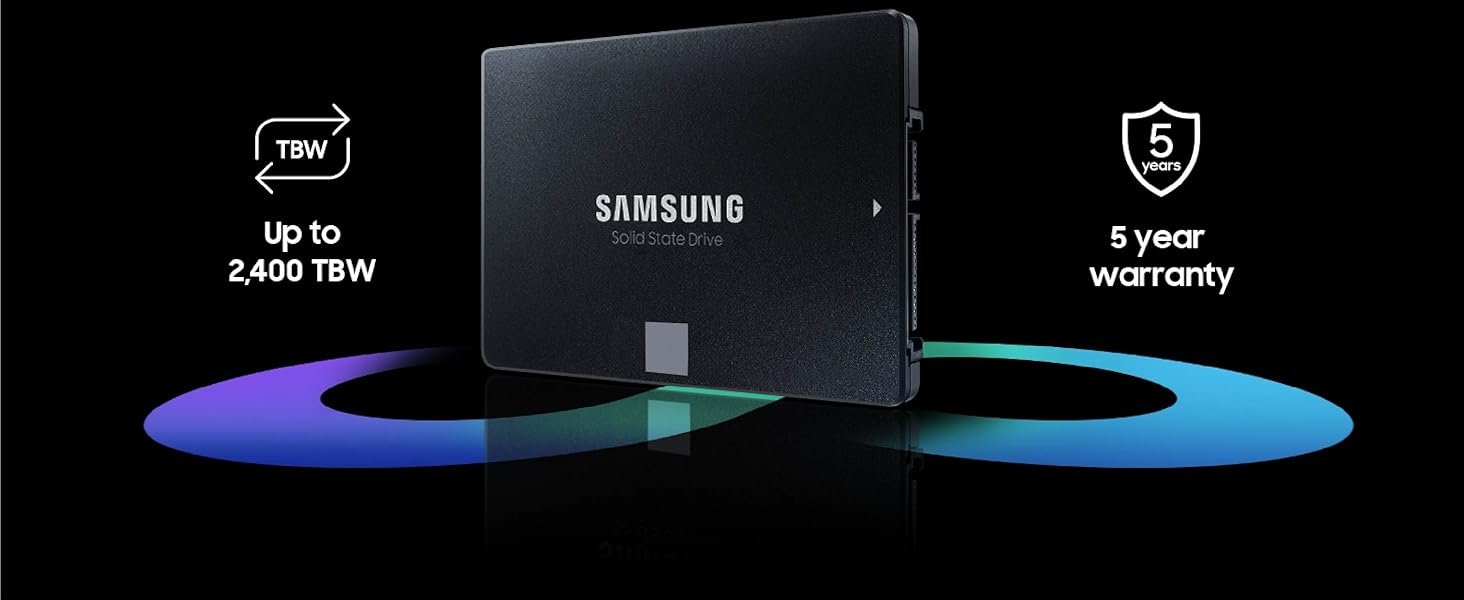
Samsung 870 EVO 500GB
The most boring SSD on this list. That’s a compliment.
Samsung’s 870 EVO has been the default “I want my SATA SSD to just work” pick for four years running. 560 MB/s read, 530 MB/s write, a 300 TBW endurance rating on the 500GB, and a 5-year warranty that Samsung KSA actually honors. Nothing flashy. Nothing to write about on a review site. That’s exactly what you want in a boot drive.
We’ve swapped this into old ThinkPads, a 2017 MacBook Pro that refused to die, a gaming PC that still runs a Sandy Bridge i7 — and every single time the customer stops asking us “is it worth upgrading?” Boot times drop from 90 seconds to 12. Programs that took 6 seconds to open now open in 1. It’s the upgrade with the highest “wallah, feels new” ratio per riyal.
Only catch: it’s 500GB. If you keep your Steam library on the same drive, you’ll fill it in 4-5 games. For boot + OS + productivity apps, 500GB is plenty. For a gaming rig where you want Cyberpunk, Call of Duty, FIFA, and two MMOs installed at once, grab the Crucial 1TB below instead.
- Samsung reliability — best-in-class DOA rate
- 5-year warranty honored in KSA
- 560/530 MB/s sustained, no tricks
- Samsung Magician software is genuinely useful
- 500GB fills fast if you game
- SATA 2.5″ only — not for M.2 slots
- 1TB version jumps to 400+ SAR
| Form factor | 2.5″ SATA III |
| Read / Write | 560 / 530 MB/s |
| Endurance | 300 TBW |
| Warranty | 5 years, Samsung KSA |
You’re upgrading a 2015-2020 laptop that still has a spinning HDD, you want the most bulletproof brand your money can buy, and 500GB is enough for Windows + Office + your project folder.
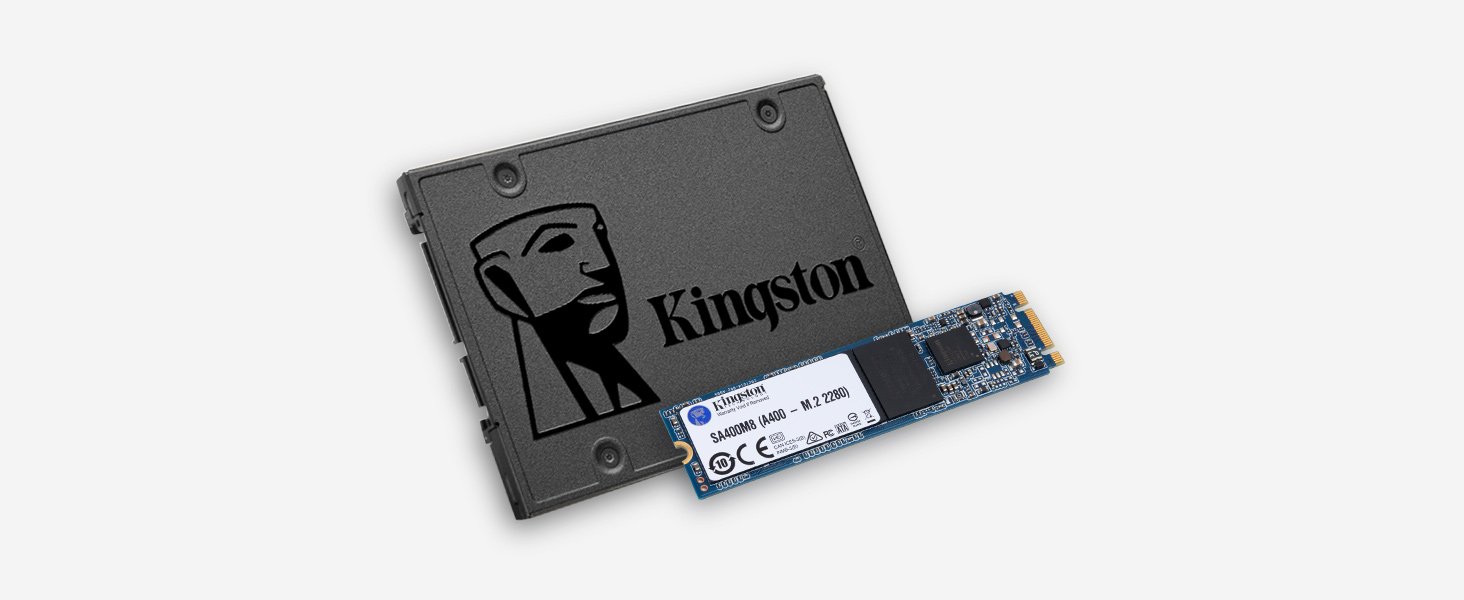
Crucial MX500 1TB
1 terabyte of quiet, reliable storage for 349 SAR.
The MX500 has become the default “I need a ton of space and don’t want to spend 500+ SAR” SSD. 1TB for 349 SAR is legitimate value — two years ago this was 500+ SAR. Crucial is Micron’s consumer brand, so you’re buying Micron NAND flash directly. Build quality has never been the concern.
Speeds are identical to the Samsung on paper — 560/510 MB/s — but the 1TB model hits its SLC cache faster under sustained writes and the speed drops noticeably around 200GB of continuous copying. For normal use (games, projects, media library), you’ll never notice. For cloning a full 800GB drive over in one session, you’ll see the transfer slow to 120 MB/s for the last chunk. That’s SATA life.
Where it wins: genuine capacity-per-riyal and a 5-year warranty. Crucial’s regional RMA process through Amazon.sa is smoother than most. We’ve processed two Crucial returns in the last year, both refunded within 10 days.
- 1TB at 349 is unbeatable value
- Crucial Storage Executive works well
- 5-year warranty
- Runs cool — rarely throttles
- SLC cache drops on huge sustained writes
- Not as storied as Samsung
- SATA 2.5″ only
| Form factor | 2.5″ SATA III |
| Read / Write | 560 / 510 MB/s |
| Endurance | 360 TBW |
| Warranty | 5 years, Crucial regional |
You have a desktop or laptop with a SATA slot, you want 1TB of space for games and media, and you care more about riyals-per-gigabyte than brand name.
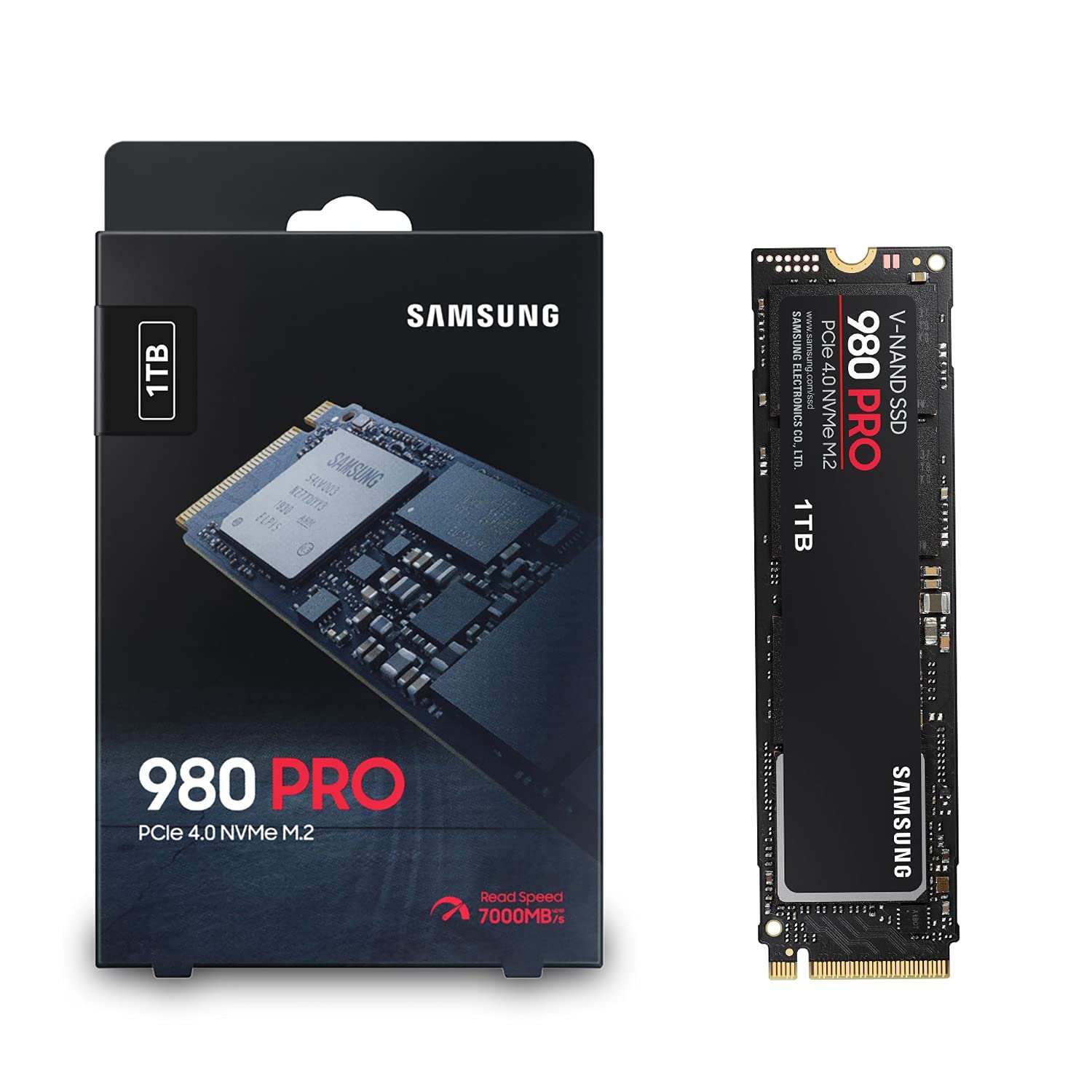
Kingston NV2 1TB NVMe
PCIe Gen4 speeds for less than a SATA 1TB costs.
269 SAR for a 1TB PCIe Gen4 NVMe in 2025 is borderline ridiculous. Kingston NV2 reads at up to 3,500 MB/s and writes at 2,800 MB/s — roughly 6x faster than any SATA drive. If your motherboard or laptop has an M.2 slot (most from 2019 onwards do), this is the one you buy.
Is it a Samsung 990 Pro? No. Kingston uses whatever NAND and controller combo the quarterly market gives them — you might get a QLC variant, you might get TLC. In practice this means the 1TB NV2 in your system could benchmark 3,200 or 3,500 MB/s read, and sustained write performance beyond the SLC cache drops more than the Samsung. For 99% of users — booting Windows, loading Call of Duty maps, editing 4K clips in Premiere — none of that matters. The drive feels instant.
Two practical notes. First, make sure your M.2 slot supports PCIe 4.0 — if it’s Gen3, the NV2 caps at 3,500 MB/s read (still great). Second, skip the heatsink upsell. The NV2 doesn’t need one in normal desktop use, and most laptops have thermal pads built into the chassis.
- NVMe speeds at SATA prices
- 269 SAR for 1TB is the sweet spot
- Kingston has solid KSA warranty network
- Tiny footprint — fits any laptop M.2
- NAND type varies by batch
- Sustained writes drop after cache fills
- Only 320 TBW endurance (fine for 99%)
| Form factor | M.2 2280 PCIe 4.0 NVMe |
| Read / Write | Up to 3,500 / 2,800 MB/s |
| Endurance | 320 TBW |
| Warranty | 3 years, Kingston regional |
You have a modern motherboard or laptop (2019+) with an unused M.2 slot, you want the biggest speed upgrade your money can buy, and you don’t care about sustained-write workstation workloads.
- SATA cables are rarely included. If you’re upgrading an old laptop or installing a 2.5″ drive in a desktop, you may need a SATA data cable (15 SAR at Jarir). Check before ordering.
- Cloning software eats time. Samsung Magician and Crucial Storage Executive both let you clone Windows to the new SSD, but plan 45-90 minutes depending on your data. Kingston’s Acronis True Image free license expires — keep a USB with Macrium Reflect Free as backup.
- M.2 screws are tiny — don’t lose them. The little screw that holds an NVMe SSD in place is often missing in budget motherboards. Buy a 10 SAR M.2 screw kit on Amazon.sa when you buy the drive.
- Heat in Saudi summer is real for NVMe. An unventilated PC case in a 28°C Riyadh room can push NVMe drives to 75°C under load. Not dangerous, but they’ll throttle. A 20 SAR heatsink with thermal pad helps if you game on a desktop.
- The old drive has value. Your 500GB HDD or old SSD isn’t trash. List it on Haraj or pass it to a cousin for a 2005 Dell — easy 30-50 SAR back.
Things Saudi Buyers Should Know Before Buying an SSD
Amazon.sa and Jarir are your safest bets. All three SSDs ship under 48 hours from Amazon.sa to Riyadh, Jeddah, Dammam, Khobar. Jarir stocks the Samsung 870 EVO and Crucial MX500 in-store — worth checking if you want to start the upgrade tonight. Don’t buy storage off Haraj unless you know the seller personally; counterfeit Samsung SSDs are a real problem.
Mada, STC Pay, Apple Pay — all standard. Amazon.sa and noon both accept every Saudi payment method. Tabby and Tamara are overkill at 269-349 SAR, but if you’re buying a bundle (SSD + RAM + thermal paste), splitting it over 4 payments is fine.
Warranty is the difference between brands here. Samsung and Crucial both honor 5-year warranties through Amazon.sa’s regional return process. Kingston is 3 years. If an SSD fails inside warranty, it will be replaced — but the process takes 10-14 days. Back up your important data monthly regardless.
SATA or NVMe? Check your slot first. Laptops from 2019 onwards almost all have an M.2 slot — open the back panel, you’ll see a long thin slot. Desktop motherboards from around 2018 onwards ship with at least one M.2. If your system is older than that, you’re on SATA. Don’t buy NVMe thinking you’ll “upgrade the motherboard next year” — you won’t.
Backup before the clone. Every SSD upgrade seems to go perfectly until it doesn’t. Copy your important folders (Documents, Desktop, photos) to an external drive or OneDrive before running the cloning tool. If the clone corrupts, you’re one step away from disaster without a backup. 15 minutes of copying is cheap insurance.
Frequently Asked Questions
If you’re moving from an HDD to any of these three SSDs, yes — genuinely. Boot drops from 60-90 seconds to 10-15. App launches go from seconds to instant. File copies are 5-10x faster. It’s the best 300 SAR upgrade you can make to any laptop under 5 years old.
Yes, and it’s often cleaner. Microsoft’s Media Creation Tool lets you download an 11 USB installer for free. Install fresh on the SSD, reinstall your apps. Takes 2 hours but avoids every cloning headache.
For most Saudi buyers, no. The Crucial matches performance in real-world use. Pay the Samsung premium only if you need the 5-year Samsung KSA warranty specifically for corporate asset tracking, or if you’ve been burned by lesser brands before.
Technically yes, but it’s not on Sony’s recommended list and doesn’t hit the 5,500 MB/s minimum Sony wants. Loading times may be marginally slower than PS5 games demand. For PS5 expansion, the WD_BLACK SN850X or Samsung 980 Pro are the safer picks at 400-500 SAR for 1TB.
Operating in a 22-28°C air-conditioned room, no — all three will outlast your laptop. Sitting in a car in July at 60°C for 8 hours, yes, the NAND cells degrade faster. The practical advice: never leave your laptop in a hot car, and if your desktop lives in a spare room without AC, upgrade the case fans before the SSD.