
Amazon Associates Program Disclosure
As an Amazon Associate, Kazazone earns from qualifying purchases.
You’ve been streaming Valorant on Twitch for six months. 40 viewers on a good night. Your laptop camera looks like you’re broadcasting from inside a dust storm. Your chat keeps asking if the webcam is broken. Time to upgrade — properly this time.
These are the three streamer-grade webcams worth your money in KSA.
Top Webcams for Streamers in Saudi Arabia 2025
Three webcams built specifically for Twitch, YouTube, TikTok Live, and Kick streamers. Unlike the budget webcams at 179-329 SAR for video calls, these are for content creators who need sharp 1080p at 60fps or 4K recording. All three work natively with OBS, Streamlabs, and XSplit with full manual control.
For beginning Twitch streamers with a budget and no ring light, Logitech StreamCam at 849 SAR is the obvious entry. For professional content creators and full-time streamers who want the best possible image, Elgato Facecam Pro 4K at 2,499 is the premium pick. For the balance of serious streamer quality and Razer ecosystem integration, Razer Kiyo Pro Ultra at 1,499 is the competitive sweet spot.
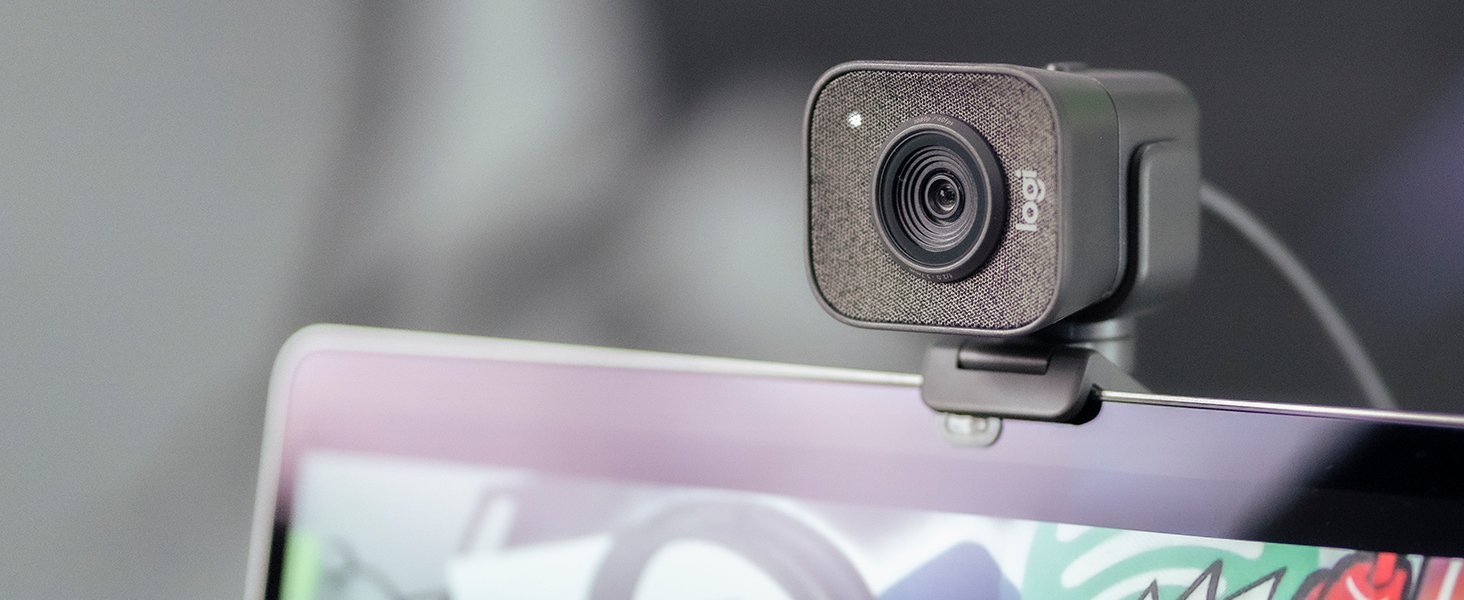
Logitech StreamCam
The most accessible streamer webcam. Where most creators start.
Logitech’s StreamCam is purpose-built for Twitch, YouTube, and content creation. 1080p at 60fps, USB-C connection (faster than USB-A, no dongle needed), genuine autofocus that tracks your face as you lean in or away, and smart exposure that handles ring-light overhang shadows automatically. The mounting system includes a monitor clip and 1/4″ thread for tripods — stream from any angle.
What makes it streamer-grade versus call-grade is the Logitech Capture software — OBS-compatible with full manual control over exposure, white balance, focus, and zoom. For Saudi streamers on mixed lighting (warm LED majlis + cool daylight window), this level of control is essential. The image quality at 1080p 60fps is noticeably sharper than the C920s — the sensor and lens are both better here.
Where it compromises: 1080p only (no 4K). Fixed vertical rotation (can rotate 90° for portrait mode but limited). 849 SAR is 2-3x the C920s price — only worth it if you’re genuinely streaming or recording. For someone who just wants a good webcam, the 279 SAR C920s is still the buy.
- 1080p 60fps for smooth streams
- USB-C, no dongle
- Logitech Capture software is powerful
- Logitech KSA warranty 24 months
- Only 1080p — no 4K option
- Vertical tilt range limited
- 849 SAR is 2-3x the call-grade C920
| Resolution | 1080p @ 60fps, 720p @ 60fps |
| Focus | Genuine autofocus, face tracking |
| Connection | USB-C |
| Warranty | 24 months Logitech ME |
You’re a beginning Twitch or YouTube streamer, you want better quality than the C920, and 1080p 60fps is enough for your content.
Elgato Facecam Pro 4K
4K at 60fps. The webcam professional streamers use.
The Elgato Facecam Pro 4K is the webcam Twitch’s biggest creators actually use. Sony STARVIS 2 sensor (the same sensor class found in professional cinema cameras), 4K at 60fps, f/2.0 aperture for natural depth-of-field, and dedicated Elgato Camera Hub software with direct integration to OBS and Elgato Stream Deck. Color reproduction is genuinely professional — in tests, skin tones match mid-range DSLR cameras.
What justifies the 2,499 SAR price: the 4K sensor means you can crop or zoom in post-production without quality loss, the f/2.0 aperture produces a natural blur behind your face that makes you look like a YouTuber with a real camera, not a webcam user. Low-light performance in typical Saudi apartment lighting is miles beyond any competitor. Stream Deck integration means a single button press adjusts settings, switches scenes, or does camera automations.
Compromises: 2,499 SAR is serious investment. Requires a solid PC (modern Ryzen 5 or Intel i5+) to run 4K at 60fps smoothly. No built-in autofocus — fixed focus at the Elgato-designed distance. Elgato’s KSA service network is smaller than Logitech’s. For anyone making money from streaming, the investment pays back. For hobbyists, overkill.
- 4K 60fps for future-proofing
- Sony STARVIS 2 sensor — pro class
- f/2.0 aperture natural blur
- Elgato Stream Deck integration
- 2,499 SAR is premium
- Needs capable PC for 4K streaming
- No autofocus — fixed
- Elgato KSA network smaller
| Resolution | 4K @ 60fps, 1080p @ 120fps |
| Sensor | Sony STARVIS 2 1/1.8″ |
| Aperture | f/2.0 |
| Warranty | 24 months Elgato regional |
You’re a professional or serious content creator, you have a capable PC, and the image quality difference visibly matters for your content.
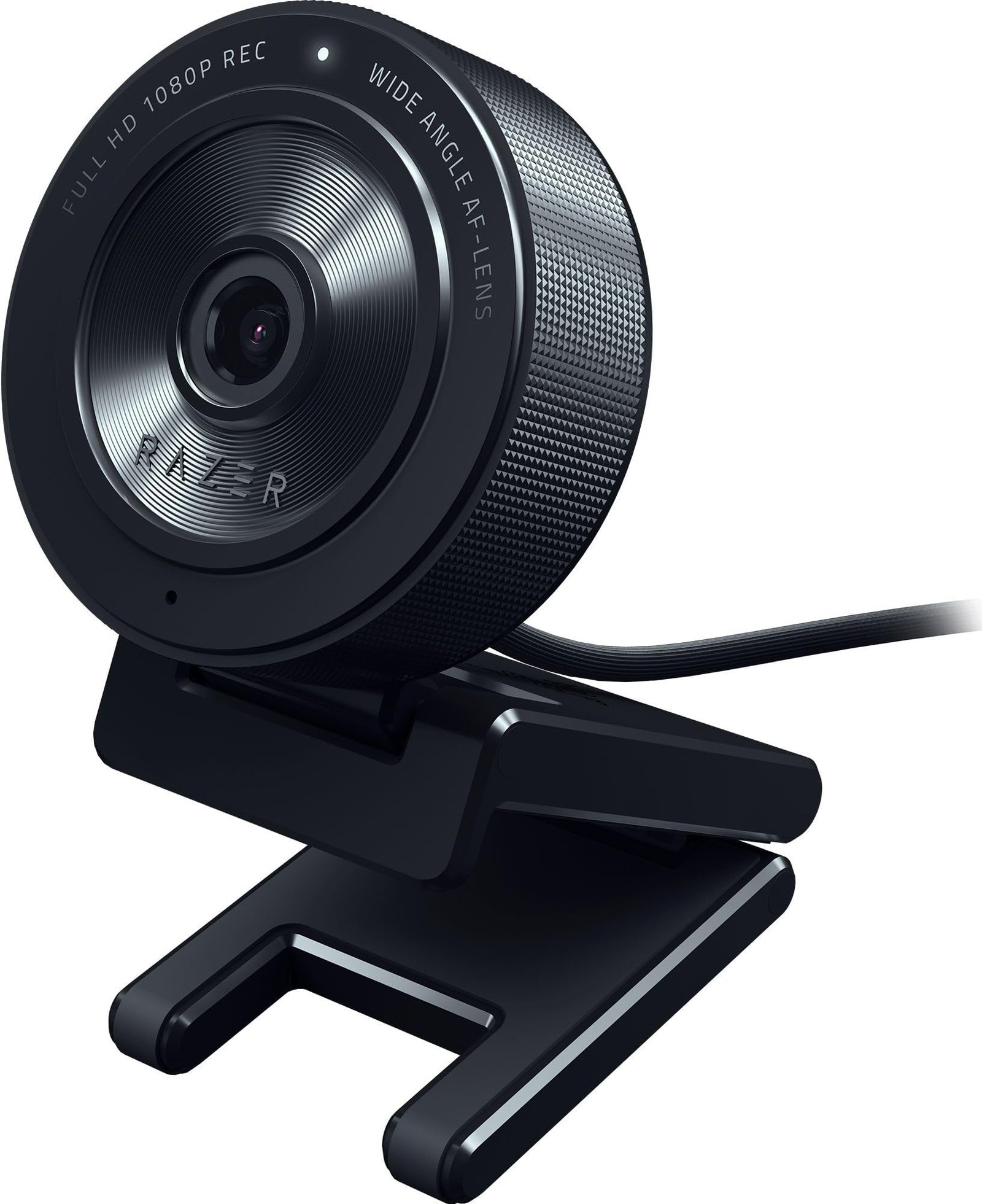
Razer Kiyo Pro Ultra
Adaptive Light Sensor + 4K. The Razer you buy when you’re ready.
The Razer Kiyo Pro Ultra is Razer’s answer to the Elgato Facecam Pro — 4K at 24fps or 1080p at 60fps with Adaptive Light Sensor that performs genuinely well in typical Saudi apartment lighting without a ring light. The HDR mode handles the backlit-window problem that plagues most webcams when someone streams from their majlis with a window behind them.
Razer Synapse software is powerful — exposure, saturation, white balance, EQ-style tuning that few webcams offer. It also ties into Razer Chroma if you’re in that ecosystem (Razer keyboard + mouse + Chroma lighting sync with the camera). Autofocus is excellent — tracks your face, stays sharp as you move.
Where it compromises vs Elgato Facecam Pro: 4K is limited to 24fps (more suited for recording than live streaming). The f/1.7 aperture is actually wider than Elgato’s f/2.0, giving even more natural background blur — some prefer this. Stream Deck integration works but isn’t as seamless as Elgato’s. At 1,499 SAR, it’s the best compromise between Logitech’s entry and Elgato’s full premium.
- 4K @ 24fps + 1080p 60fps streaming
- Adaptive Light Sensor works well
- f/1.7 aperture (widest in class)
- Razer Synapse powerful
- 4K only 24fps, not 60
- Razer KSA service smaller
- Stream Deck integration not native
| Resolution | 4K @ 24fps, 1080p @ 60fps |
| Aperture | f/1.7 widest in class |
| HDR | Native HDR, Adaptive Light |
| Warranty | 24 months Razer regional |
You’re a serious streamer, you want professional quality without Elgato’s premium, and you’re already in the Razer ecosystem (Chroma lighting, Synapse software).
- Lighting costs more than the camera. A 500 SAR Elgato Key Light Mini or 300 SAR Logitech Litra Glow transforms your stream image more than upgrading from Logitech to Razer to Elgato. Factor in lighting budget.
- Streaming PC is the bottleneck. 4K 60fps streams need a Ryzen 7 / Intel i7 minimum. 1080p 60fps is fine on a Ryzen 5 / i5. Don’t buy 4K webcam for a 2020 laptop.
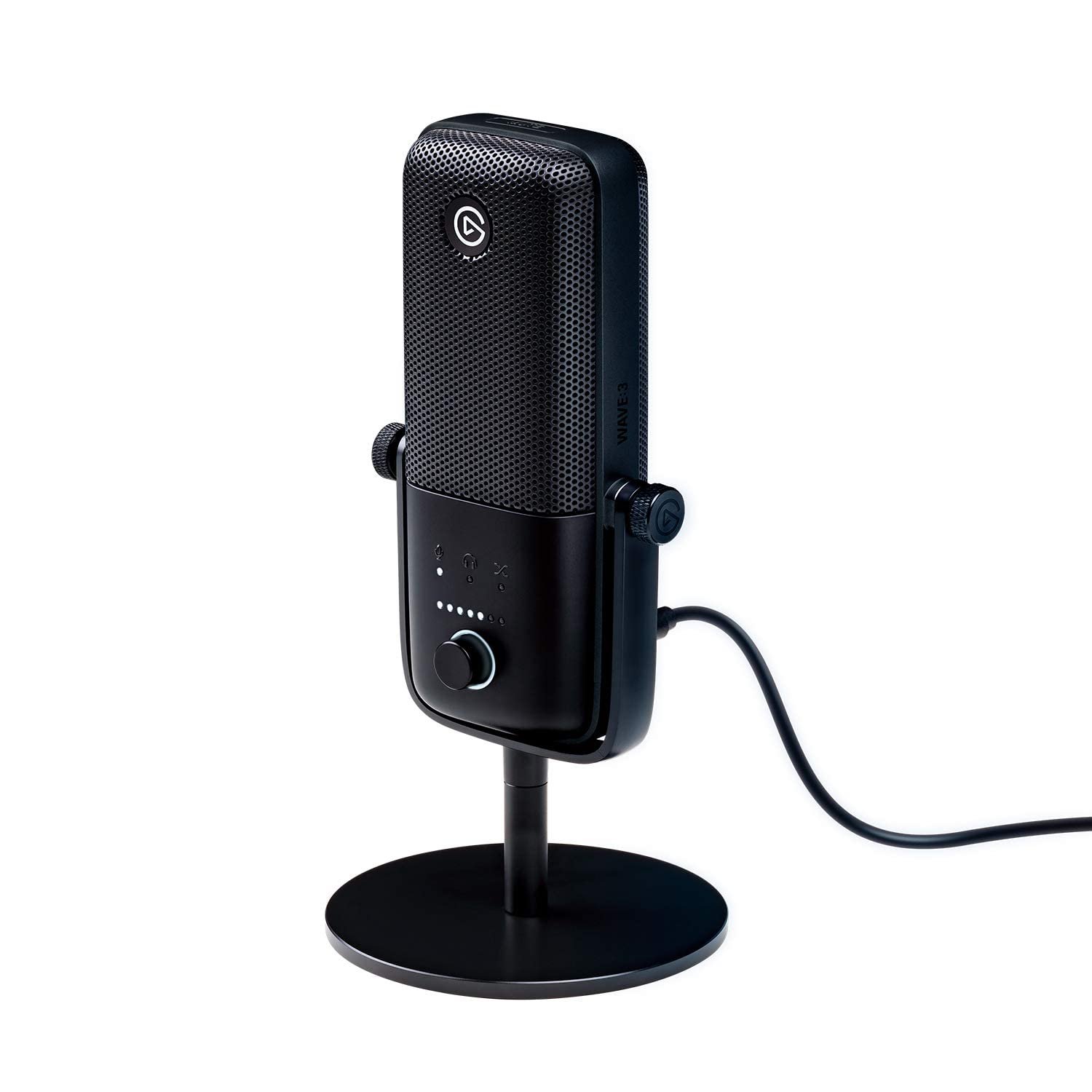
- Audio matters 10x more than 4K. A 500 SAR USB microphone (Elgato Wave 3, Blue Yeti) improves your stream dramatically. Viewers will accept worse video if your audio is great. They won’t accept great video with bad audio.
- Bandwidth matters for streaming. STC Fiber 500Mbps plan is borderline for 1080p 60fps streaming. 1Gbps is ideal. Check your upload speed, not download.
- Warranty claims on premium webcams. Logitech and Razer both have regional KSA warranty through Amazon.sa. Elgato warranty routes through Amazon returns or Corsair (Elgato’s parent). Process is slower than Logitech.
Things Saudi Streamers Should Know
Amazon.sa is the primary source. All three ship next-day. Jarir stocks Logitech and Razer. Elgato is Amazon-only in most of KSA. noon occasionally has Logitech and Razer at 20-30 SAR discount.
Tabby, Tamara, STC Pay all work. 2,499 SAR Elgato on Tabby is 625/month for 4 months — reasonable for serious creators. Tamara also offers 12-month splits.
Twitch, YouTube Live, Kick all supported. These cameras stream equally well to any platform. For TikTok Live, you’ll need a phone mount kit in addition — TikTok Live is phone-based.
Saudi streaming culture is growing fast. Kick is particularly popular with Saudi streamers — the platform’s looser moderation matches some Arabic content. YouTube Gaming and Twitch KSA are also solid. Your camera choice matters more as the audience grows.
Frequently Asked Questions
For live streaming — no. Twitch caps at 1080p 60fps for most streamers. YouTube Live supports 4K but most viewers watch on phones where 4K is wasted. Where 4K helps: recording VODs that you edit into YouTube content, and future-proofing as 4K streaming becomes standard (probably 2027+).
For full-time creators who see image quality as their brand — yes. For hobbyist and part-time streamers, the Razer is the sweet spot. Test Razer’s f/1.7 vs Elgato’s f/2.0 in your lighting — this often decides it.
All three work natively with OBS Studio. Elgato has the tightest OBS integration via Stream Deck. Logitech Capture has the cleanest plug-and-play. Razer Synapse needs occasional restart cycles. All three are usable.
Yes, all three stream identically to Twitch, YouTube, Kick, Trovo. OBS handles the platform routing — the camera just feeds OBS.
Minimum: Ryzen 5 7600X or Intel i5-13600K, 32GB RAM, RTX 4060 or better. For 4K 60fps encoding, the NVIDIA NVENC on RTX 40-series handles the load. Laptop streaming 4K is brutal — stick to desktop.


One Response