
Amazon Associates Program Disclosure
As an Amazon Associate, Kazazone earns from qualifying purchases.
You finally built the PC you’ve been dreaming about. RTX 5090, Ryzen 9, 64GB DDR5. Then you plugged it into your 4-year-old 1080p monitor and watched the RGB fade to disappointment. The weak link in every premium setup in KSA is still the monitor. OLED fixes that.
These three are the flagship OLED gaming monitors worth the spend in 2025.
Best Flagship OLED Gaming Monitors KSA 2025
Three OLED monitors for PC gamers who’ve finally decided enough is enough. LG UltraGear 27GR95QE at 3,499 is the 27″ entry point to OLED gaming. Alienware AW3225QF at 5,499 is the 32″ QD-OLED sweet spot — the best single-monitor experience money buys at that size. Samsung Odyssey G9 OLED 49″ at 7,999 is the ultra-wide immersion king. All three available through Amazon.sa, with regional warranty.
For 1440p competitive gaming on a budget-to-mid OLED, LG UltraGear 27GR95QE at 3,499 is the entry and it’s excellent. For the best all-round single-monitor experience — 4K, 32″, QD-OLED — Alienware AW3225QF at 5,499 is the winner of 2025. If you want the wraparound immersive sim racing or flight sim cockpit, Samsung Odyssey G9 OLED 49″ at 7,999 has no peers.
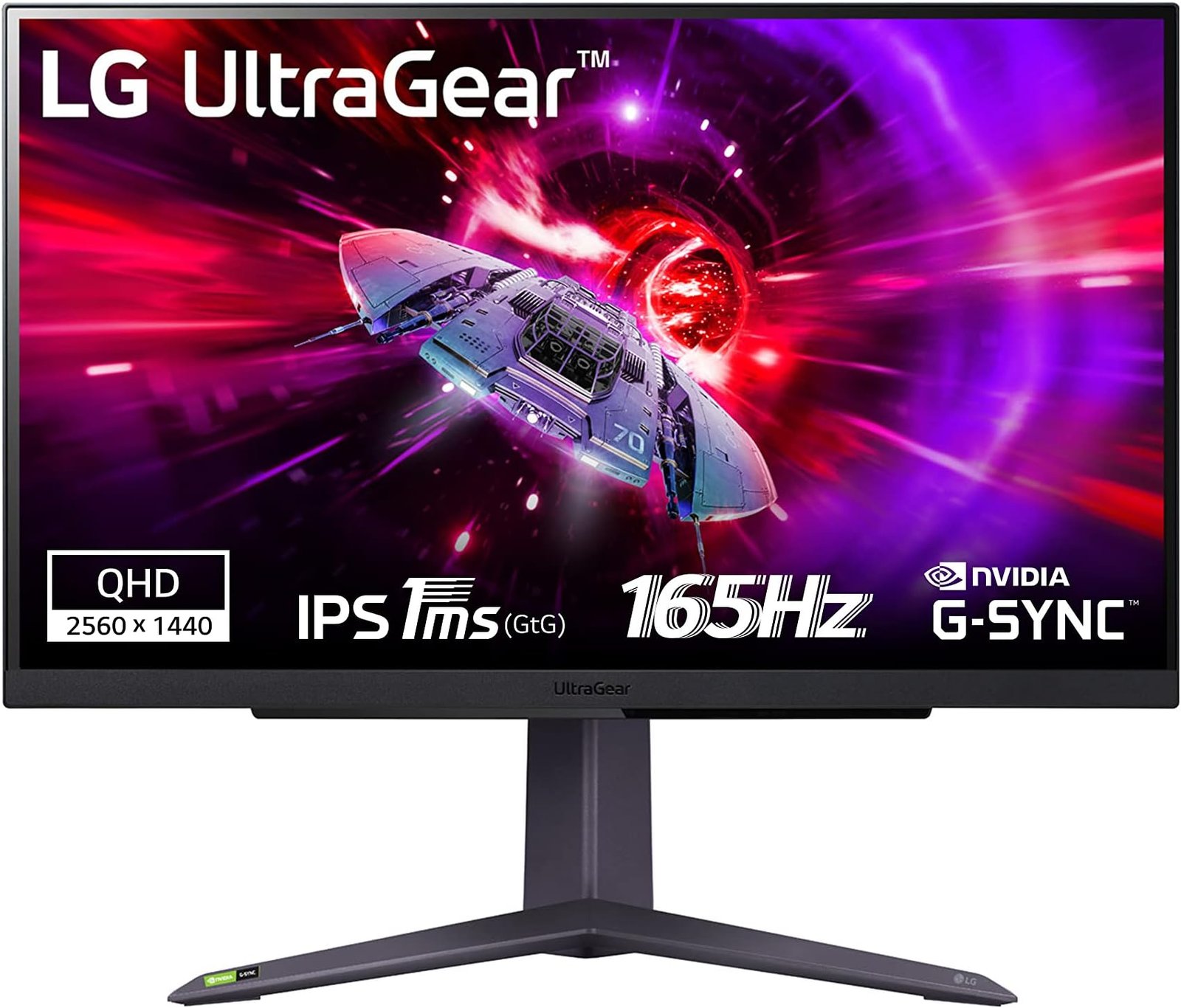
LG UltraGear OLED 27GR95QE
27″ WQHD OLED at 240Hz. The sweet spot for competitive FPS.
LG’s 27GR95QE is the OLED monitor that made competitive gamers stop debating whether OLED is worth it. 27″ 2560×1440 resolution at 240Hz with 0.03ms response time. In Apex Legends or CS2, the motion clarity is a genuine competitive advantage — you can track a moving target at 240fps with the eye-sharpness of a 60Hz display.
HDR is excellent, blacks are perfect (this is OLED), and the viewing angles are anything-goes. Anti-glare coating is good for KSA apartment lighting. The stand is fully adjustable (height, tilt, swivel, pivot) — no monitor arm needed for a clean setup.
Compromise: 27″ and 1440p are the entry-level OLED spec. If you want 4K, step up to the Alienware. If you want bigger, step up to the Samsung. This is the 2025 sweet spot where OLED becomes affordable without compromise.
- Best OLED under 4,000 SAR
- 240Hz + 0.03ms for competitive play
- Fully adjustable stand
- Proper LG KSA warranty
- 1440p not 4K
- 27″ feels small after 32″+
- OLED burn-in caution
| Panel | 27″ OLED 2560×1440 |
| Refresh | 240Hz, 0.03ms |
| HDR | VESA DisplayHDR 400 True Black |
| Warranty | 36 months LG KSA |
You play competitive FPS (Valorant, Apex, CS2), you want your first OLED, and 27″ / 1440p is the right size for your desk.
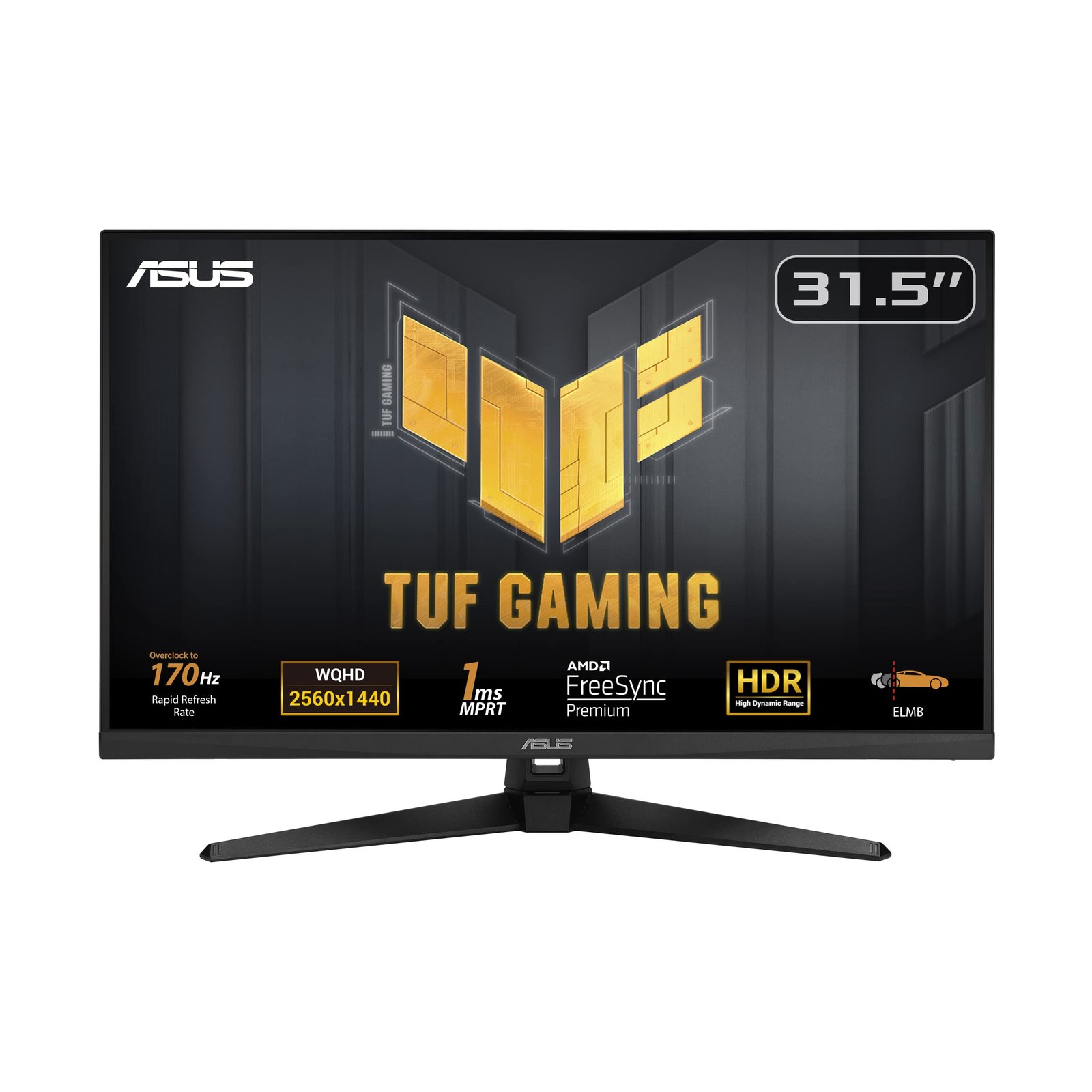
Alienware AW3225QF QD-OLED 32″
32″ 4K QD-OLED at 240Hz. The best single-monitor gaming experience period.
The Alienware AW3225QF is the 2025 monitor that gaming PC reviewers all recommended first. 32″ 4K at 240Hz on a QD-OLED panel — QD-OLED being Samsung’s quantum-dot OLED that produces more vibrant saturated colors than the traditional W-OLED LG uses. For gaming, productivity, photo editing, it does everything excellent.
The color accuracy out of the box is factory-calibrated to DCI-P3, making this genuinely viable for content creation alongside gaming. The anti-glare coating reduces KSA apartment overhead reflections effectively. Dolby Vision support, 1,000 nits HDR peak brightness, and a 3-year warranty that includes a burn-in replacement policy from Dell — Dell specifically guarantees this panel against burn-in for 3 years, unique in the industry.
Compromises: 5,499 SAR is a real investment, Dell’s KSA service network is smaller than LG’s, and the monitor is heavy (8.5kg without stand). But for a single-monitor gaming desk that does PS5, Xbox, competitive PC gaming, and content creation in one unit, nothing else at this price tier competes.
- 32″ 4K 240Hz QD-OLED — best in class
- 3-year burn-in warranty from Dell
- Factory-calibrated DCI-P3
- Dolby Vision HDR
- 5,499 SAR is serious spend
- Dell KSA service smaller than LG
- Heavy — 8.5kg
| Panel | 32″ QD-OLED 3840×2160 |
| Refresh | 240Hz, 0.03ms |
| HDR | Dolby Vision, DisplayHDR 400 |
| Warranty | 36 months Dell regional + burn-in |
You want the single best monitor for a gaming desk that also does content creation, 4K matters to you, and Dell’s burn-in guarantee reassures you about long-term OLED ownership.
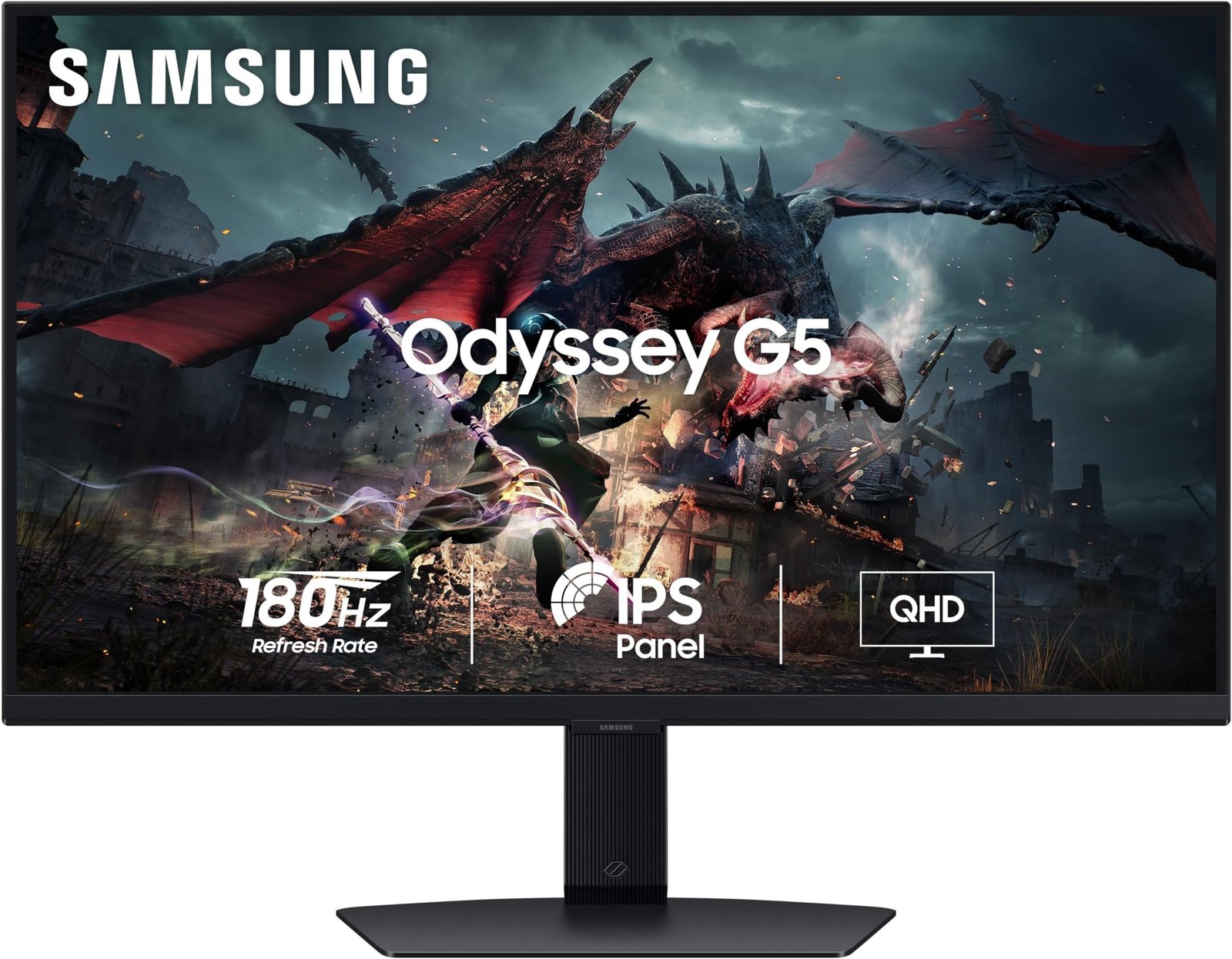
Samsung Odyssey G9 OLED 49″
49″ 5120×1440 QD-OLED curved. The setup that makes people ask questions.
The Samsung Odyssey G9 OLED is the ultrawide you buy when two monitors aren’t enough. 49 inches of curved QD-OLED at 5120×1440 (essentially two 27″ 1440p monitors fused into one seamless display) at 240Hz. For sim racing, flight simulators, or playing DCS World, this monitor is transformative — the peripheral vision is a genuine competitive and immersion advantage.
For productivity, three browser windows side by side is not a stretch — it’s natural. If your job involves a lot of reference documents, trading charts, Excel modeling, or any task where more screen real estate makes you faster, this monitor pays back the price quickly. Samsung’s calibration is excellent out of box.
Compromises: 7,999 SAR is premium territory. Desk space is significant — need at least 1.2m wide desk. Some games don’t support ultrawide (32:9 aspect ratio) natively — you’ll use black bars or stretched modes for non-supporting titles. For supported games, it’s transcendent.
- 49″ = transformative sim gaming
- Productivity-killer for office work
- QD-OLED colors + 240Hz
- Samsung KSA warranty solid
- Desk space requirement real
- 7,999 SAR premium
- Some games don’t support 32:9
| Panel | 49″ QD-OLED 5120×1440 curved |
| Refresh | 240Hz, 0.03ms |
| Aspect | 32:9 ultrawide |
| Warranty | 36 months Samsung KSA |
You play racing sims, flight sims, MMOs, or you do serious spreadsheet/reference-document work, and you have the desk space and budget for something transformative.
- Your GPU is the limit. 4K 240Hz on Alienware needs an RTX 4090 or 5090 for most games to hit full refresh. Factor your GPU budget into this decision. A 4K OLED with an RTX 4060 is wasted.
- DisplayPort 2.1 cable may be needed. The Alienware’s 4K 240Hz requires DP 2.1 for uncompressed signal. Your cable in the box is DP 2.1 but if you bought a cheap one, the monitor will fall back to DSC compression.
- OLED care pays off. All three have built-in panel protection cycles that run after 4+ hours of use — don’t disable them. Pixel refresh and image retention clearing extends panel life from ~3 years to ~5.
- KSA summer = monitor ventilation. OLED panels run cooler than LCDs but still need airflow. Don’t put them against a wall — leave 10cm gap behind for circulation.
- Existing monitor arm may not fit. VESA 100×100 is standard, but the Samsung 49″ weighs 15kg — most desktop arms can’t hold it. Factor in a heavy-duty arm (300-500 SAR) if needed.
Things Saudi Gamers Should Know
Amazon.sa is primary. All three ship through Amazon KSA with full regional warranty. Dell’s Alienware in KSA goes through specific distributors — call Dell KSA if you have service questions. Samsung and LG have their own authorized service centers in Riyadh, Jeddah, Dammam.
Tabby/Tamara work at these prices. 5,499 SAR Alienware on Tabby is 1,375/month — reasonable for a premium gamer. Tamara also offers 12-month splits on high-ticket electronics.
Don’t buy OLED monitors from Haraj. Used OLEDs may have undisclosed burn-in that you’ll discover after purchase. Always buy OLED new with warranty intact.
Summer heat hits high-refresh panels. A 240Hz monitor running 12 hours/day in a non-AC room in July — the panel won’t fail but lifespan shortens. Keep the AC on. OLEDs run warmer than LCDs of comparable spec.
Frequently Asked Questions
For mixed gaming and content use with 3-4 hour sessions, not really. For 12 hours/day with the same HUD in one game (think WoW raid sessions), yes — but all three manufacturers have mitigation that makes this rare. Dell’s 3-year burn-in guarantee on Alienware is the strongest position in the industry.
Only RTX 4090, 5080, 5090, or equivalent AMD flagships can sustainedly deliver 4K 240fps in modern games. For 4K 120fps, RTX 4070 Super or better works. Know your GPU’s capability before buying a 4K display.
For sim racers and flight simmers, it’s essential. For casual gamers who don’t play those genres, it’s overkill — the Alienware 32″ is the better single-monitor buy. Ask yourself if you play iRacing, ETS2, Microsoft Flight Simulator, or DCS.
All three support HDMI 2.1 and work with PS5 at 4K 120Hz. The LG caps at 1440p so you lose 4K output. The Alienware and Samsung display PS5 native 4K beautifully.
OLED panels have excellent HDR by default because of perfect blacks. DisplayHDR 400 True Black certification on all three is genuinely bright and contrasty HDR. Alienware’s Dolby Vision is the icing — few PC monitors support Dolby Vision natively.



2 Responses