
Amazon Associates Program Disclosure
As an Amazon Associate, Kazazone earns from qualifying purchases.
It’s match point in a ranked Valorant round. You flick right to take the peek, your mouse catches on its own braided cable, and your crosshair lands three pixels off the head. Headshot missed. Round lost. Rank dropped. Every wired-mouse user in KSA has lived this moment. Every wireless-mouse user has a different horror story: the mouse dying mid-match because they forgot to charge it, or the 2.4GHz dongle getting kicked loose from the USB hub by the cleaning lady.
In 2025 the wired-vs-wireless debate is genuinely different from what it was five years ago. Top-tier wireless mice now have zero perceptible latency and 90+ hour batteries. Top-tier wired mice cost half as much for the same sensor. So the question isn’t “which one is faster” anymore — it’s “which one fits your life.” Let’s settle it with actual numbers, real KSA prices, and honest scenarios for how you game.
Wired vs Wireless Gaming Mouse — The KSA Honest Breakdown (2025)
Walk into Jarir and the mouse wall tells you everything about where the market is. A flagship wired mouse with a great sensor: SAR 279. The wireless version of basically the same mouse: SAR 699. That’s a 2.5x markup to cut a single cable. Is it worth it? Depends entirely on whether a cable drags on your mousepad edge, whether your desk has a proper USB port for the dongle, and whether you’re the kind of person who remembers to charge things at night. We tested both as daily drivers through a Riyadh summer, across Valorant, Warzone, and 40+ hours of Baldur’s Gate 3. Here’s what actually matters before you tap buy.
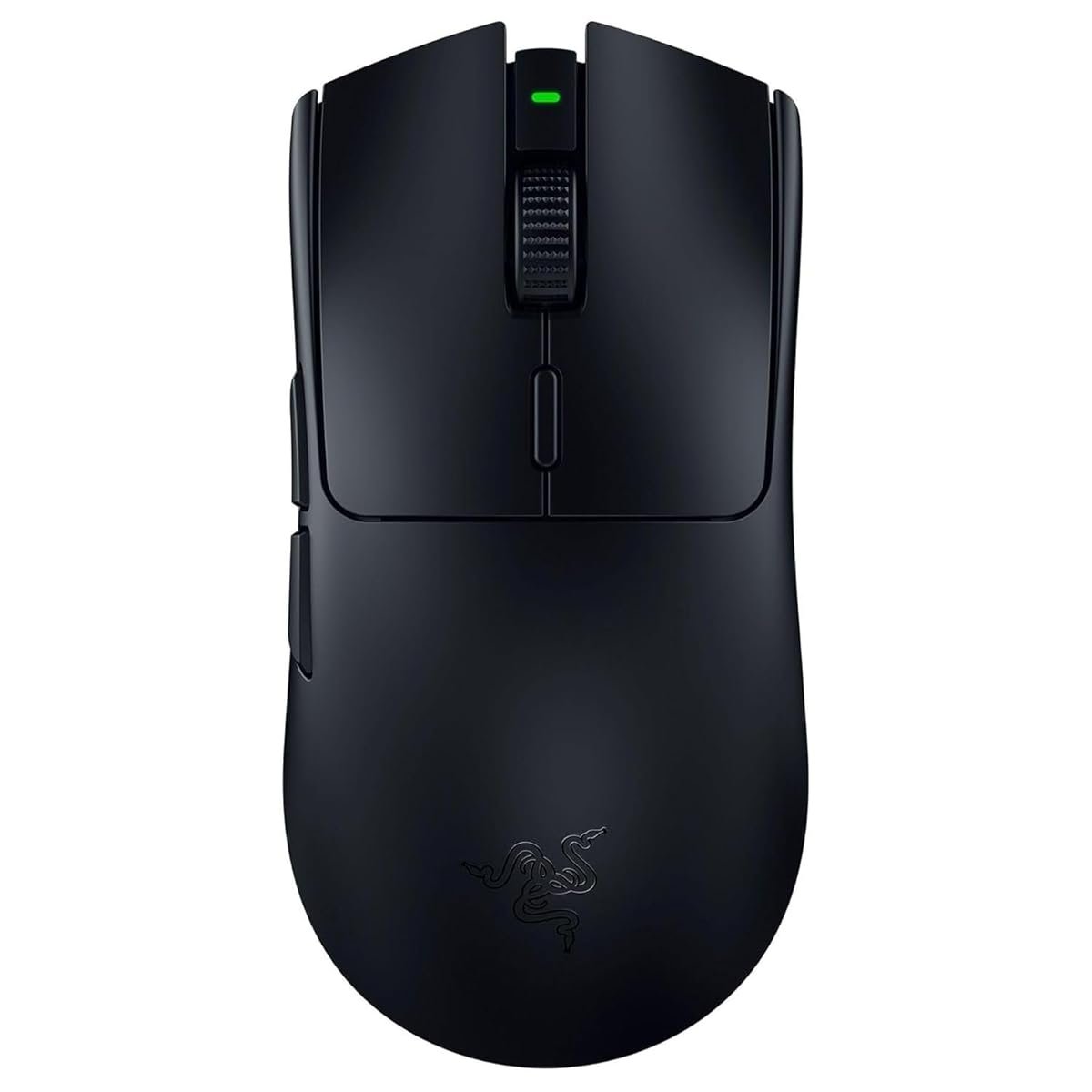
Kazazone Verdict: If you have SAR 700 to spend and play 3+ hours a day — go wireless. Full stop. The freedom from cable drag is real, the latency is genuinely imperceptible on a flagship like the Logitech Superlight 2, and the battery lasts a full week of heavy use. If your budget is capped at SAR 300, or you’re a student with a messy desk and nowhere stable to charge, or you play casual single-player games where milliseconds don’t matter — a good wired mouse like the Razer DeathAdder V3 is genuinely excellent and nothing to apologize for. Neither choice is wrong in 2025. The wrong move is buying a cheap SAR 150 “wireless gaming mouse” — those still have real latency.
Head-to-Head Comparison
| Spec | Wired | Wireless (Flagship) |
| Price (KSA, flagship tier) | SAR 249–350 | SAR 599–799 |
| Input Latency | <1ms (effectively zero) | 1–2ms (imperceptible) |
| Battery / Power | Always on, no recharge | 70–100 hours per charge |
| Weight Penalty | None (but cable drag exists) | +5–10g for battery |
| Cable Drag on Big Swipes | Real issue, mouse bungee helps | Zero |
| Setup Hassle | Plug and play | Dongle + charging habit |
| Lifespan | 5+ years (cable can fray) | 3–5 years (battery degrades) |
Quick take: Wireless freedom is real, but only at the flagship tier. Budget wireless mice under SAR 300 still have noticeable latency and flaky connections — skip them entirely. If you can’t afford the premium wireless tier, buy a premium wired instead. Don’t go cheap on either end.
The Hidden Costs Nobody Warns Saudi Gamers About
SAR 699 or SAR 279 is the sticker. Here’s what the unboxing videos leave out:
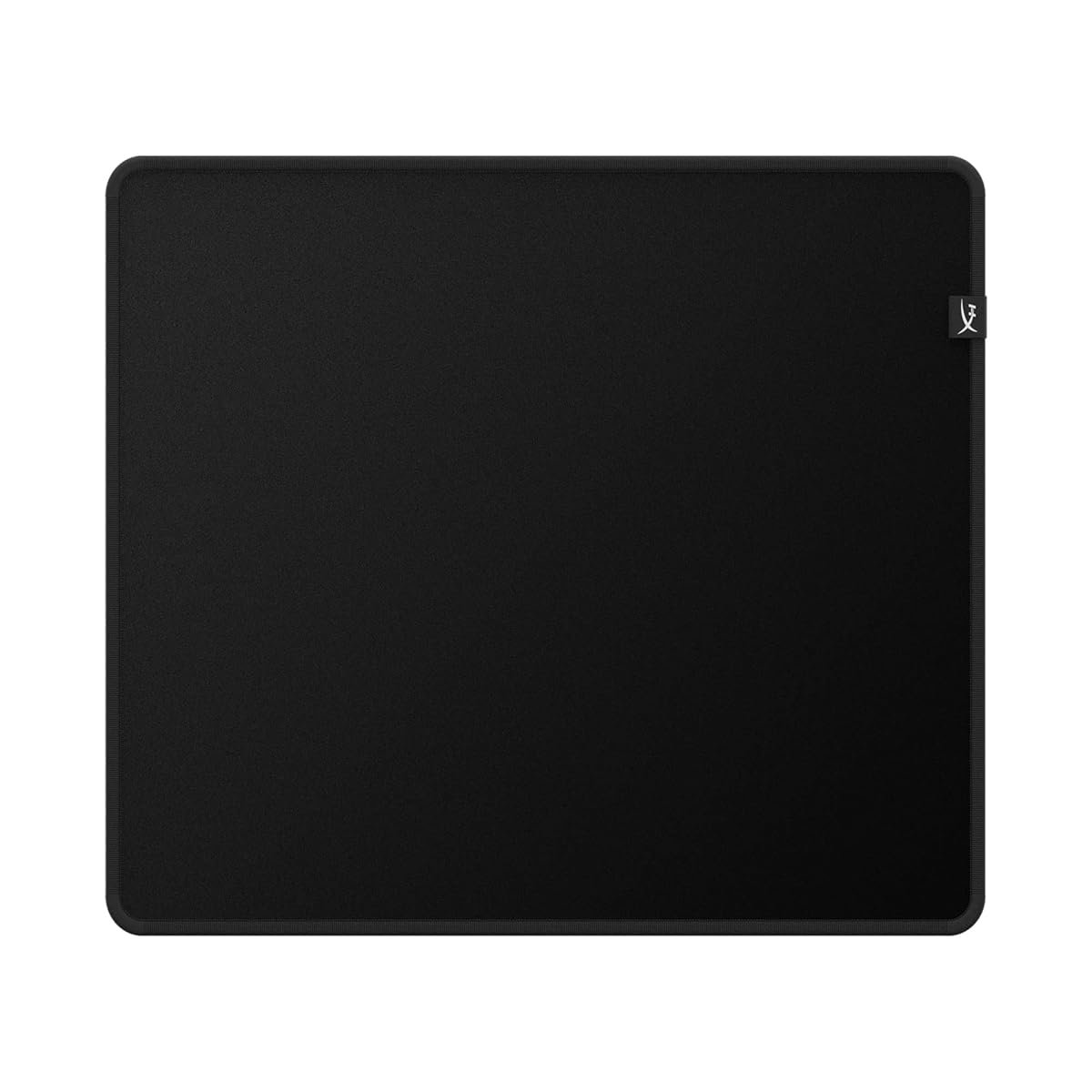
- A proper mousepad — any flagship sensor is wasted on the SAR 20 cloth pad you’ve had since high school. A quality large cloth pad like the Logitech G840 or Razer Gigantus V2: SAR 120–180. Non-negotiable for serious play.
- Mouse bungee (wired only) — if you go wired, a bungee like the Razer Mouse Bungee V3 transforms the feel. SAR 40–80 on Amazon.sa. Skip this and you’ll blame the cable for every missed shot.
- Spare USB dongle (wireless only) — the dongle that ships with the Superlight 2 is fine, but if it gets lost, you’re buying a SAR 180 replacement. Some setups also benefit from a USB extender to position the dongle closer to the mouse.
- Charging discipline — wireless mice demand a habit. Skipping one night’s charge isn’t a problem; skipping three in a row means the mouse dies mid-match. Budget mental bandwidth, not money, for this one.
- PTFE skates replacement — Logitech and Razer flagship skates wear down in 18–24 months of heavy use. Replacements are SAR 35–60. Without fresh skates, the best sensor in the world feels sluggish.
Real 3-year math: Wireless setup (Superlight 2 + pad + 1 skates replacement) = ~SAR 920. Wired setup (DeathAdder V3 + pad + bungee + 1 skates replacement) = ~SAR 500. That’s a SAR 420 premium for going wireless. Over 3 years of daily gaming, that’s SAR 140/year for cable freedom. Each person can decide if that’s worth it, but the math isn’t as dramatic as the sticker price suggests.
So Which One Should YOU Buy?
Choose Wireless (Superlight 2) if you…
- 🎮 Play ranked Valorant/CS2/Apex 2+ hours daily
- 🎮 Have a clean, organized desk setup
- 🎮 Are disciplined about charging devices at night
- 🎮 Use arm-aim at low DPI (400–800) with wide swipes
- 🎮 Want the absolute best feel, budget is not the constraint
Choose Wired (DeathAdder V3) if you…
- 🎮 Are on a SAR 300-max budget
- 🎮 Forget to charge devices and hate that you do
- 🎮 Play casually or semi-competitively
- 🎮 Share a PC with siblings/family (plug-and-play matters)
- 🎮 Want flagship accuracy without the flagship price
Things Saudi Gamers Should Know Before Buying
Availability in KSA: Both mice ship from Amazon.sa to Riyadh, Jeddah, and Dammam within 1–2 days. Jarir and Extra stock both in-store if you want to feel the shape first — which for a mouse is genuinely the best advice anyone can give you. Grip style, palm size, and finger length all affect which shape works, and Amazon photos won’t tell you. Hold both for 30 seconds at a Jarir display before buying.
Saudi summer + wireless mice: Lithium-ion batteries in wireless mice degrade faster in sustained heat. If your gaming room hits 30°C+ in summer with the AC cycling, expect your wireless mouse battery capacity to drop to about 80% after 18 months instead of 24. Still fine, but a real factor. Wired mice don’t care about heat at all. Also: don’t leave your wireless mouse in a car. Ever. 50°C+ interior temps will genuinely kill the battery in a single summer day.
Wi-Fi interference in Saudi homes: If your gaming setup is in a room surrounded by your router, your neighbor’s router, 2–3 smart-home devices, and a microwave, the 2.4GHz spectrum is crowded. Premium wireless mice (Lightspeed, HyperSpeed) use frequency hopping and handle this fine, but budget wireless under SAR 300 can stutter. Another reason to skip cheap wireless — they’re the ones that hit these problems.
Warranty in KSA: Logitech offers a 2-year warranty on the G Pro Superlight 2 through Saudi authorized dealers including Jarir and Amazon.sa. Razer offers 2 years on the DeathAdder V3 — note Razer warranty specifically requires purchase through authorized KSA channels, not grey-market imports from noon sellers claiming to be in UAE. Keep the box and receipt for the full 2 years; mouse clicks and scroll wheels are the common failure points and both are covered.
Resale value: Wireless gaming mice hold their value better in the Saudi used market — expect 40–55% recovery on a Superlight 2 after 2 years on Haraj. Wired mice are effectively worthless used because everyone assumes the cable is nearing the end. If you think you’ll resell in 2 years, wireless is the better economic bet despite the higher sticker.
Frequently Asked Questions
Is wireless really as fast as wired in 2025?
At the flagship tier — yes, perceptually. Lightspeed and HyperSpeed wireless have added latency of about 1ms over wired, which is below the threshold of human perception for even pro-level players. Lab tests can measure the difference; your reaction time cannot. Budget wireless under SAR 300 is a different story and still adds 5–15ms, which is noticeable.
Can I use a wireless gaming mouse over Bluetooth?
Technically yes on some models, but never for gaming. Bluetooth adds 10–20ms of latency and drops polling to 125Hz — you’ll feel this instantly. Always use the 2.4GHz dongle for gaming. Bluetooth is only for travel or laptop productivity when you don’t care about response time.
Does a heavier mouse matter or is lighter always better?
Lighter is easier to move quickly, which is why competitive mice cluster around 55–75g. But too light can feel “floaty” and hard to stop precisely — some players genuinely prefer an 85–100g mouse for stability in tracking games like Overwatch. Shape matters more than absolute weight. If a light mouse feels wrong in your hand, that’s not a skill issue — it’s an ergonomics issue.
Is 8KHz polling actually useful?
For most players at 144–240Hz monitors, no — you won’t feel the difference between 1KHz and 8KHz polling. At 360Hz+ monitors with very-high framerate games, there’s a measurable 2–3ms improvement in on-screen responsiveness. 8KHz also burns more CPU; older systems can actually drop frames. Leave it at 1KHz unless you have a high-refresh monitor and a modern CPU.
Should I wait for the next-gen mouse to drop in KSA?
Mouse generational improvements have slowed dramatically. The Superlight 2 and DeathAdder V3 will both be competitive flagships through 2026 at minimum. Unless you’re chasing a specific new sensor or feature (8KHz wireless, haptics, etc.), today’s flagships are effectively timeless. White Friday and Prime Day sales give the best KSA deals if you want to wait 3–6 months.
As an Amazon Associate, Kazazone earns from qualifying purchases. When you buy through our links, we may earn a small commission at no extra cost to you. This helps us keep creating honest, independent reviews for Saudi gamers.